Advanced guides
Choose pictures for search results
Requires Monocle "Core" plan or higher.
The right image can help visitors recognise a search result.
Monocle chooses images by page type. Use the rules below to prepare each page.
Monocle uses these images:
- For a product page, Monocle uses the product image when one is available.
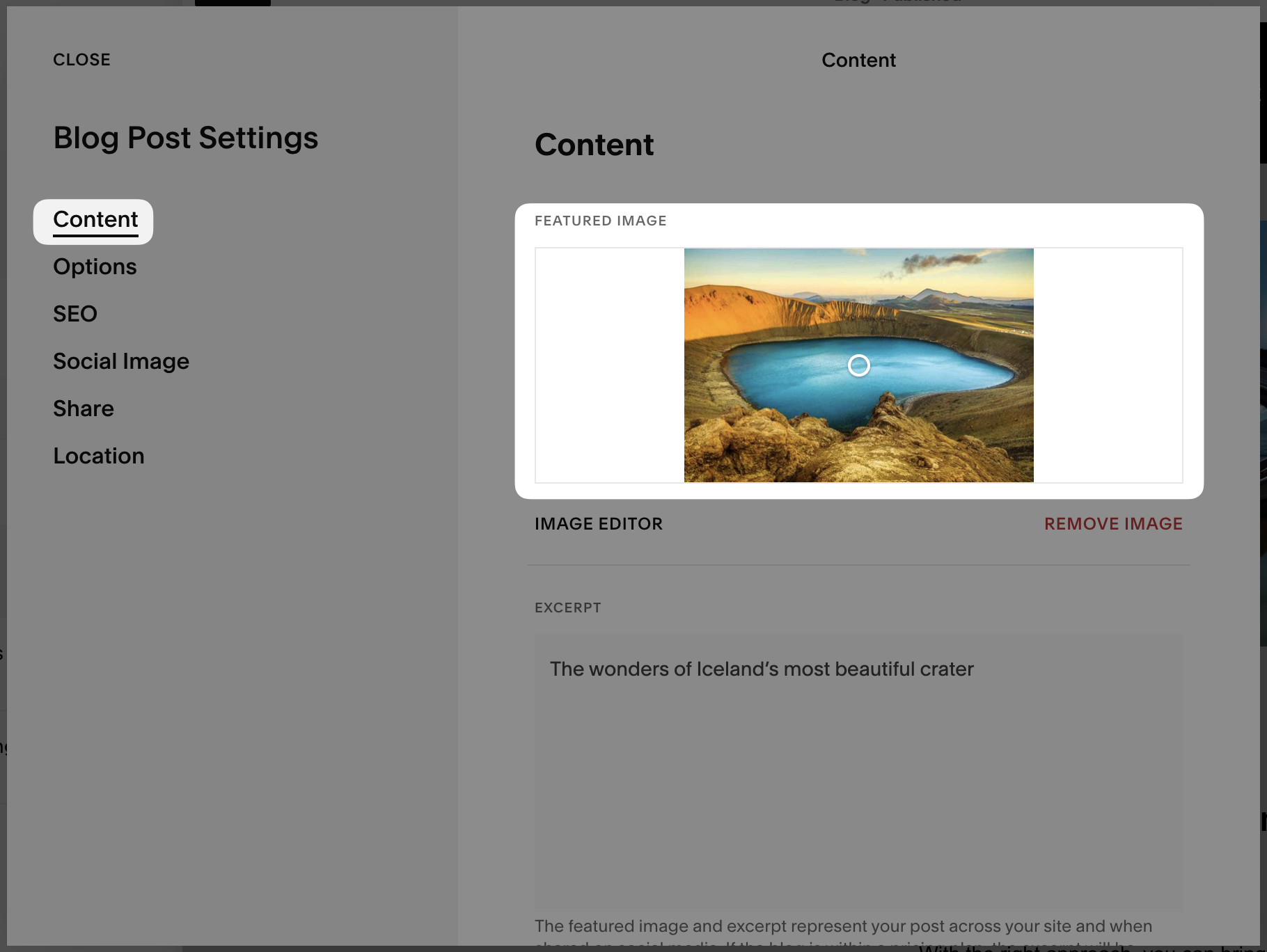
- For a blog post, Monocle uses the Featured Image from Blog Post Settings. If there is no Featured Image, Monocle uses the Social Image. If neither image is set, Monocle uses the first valid image on the page.
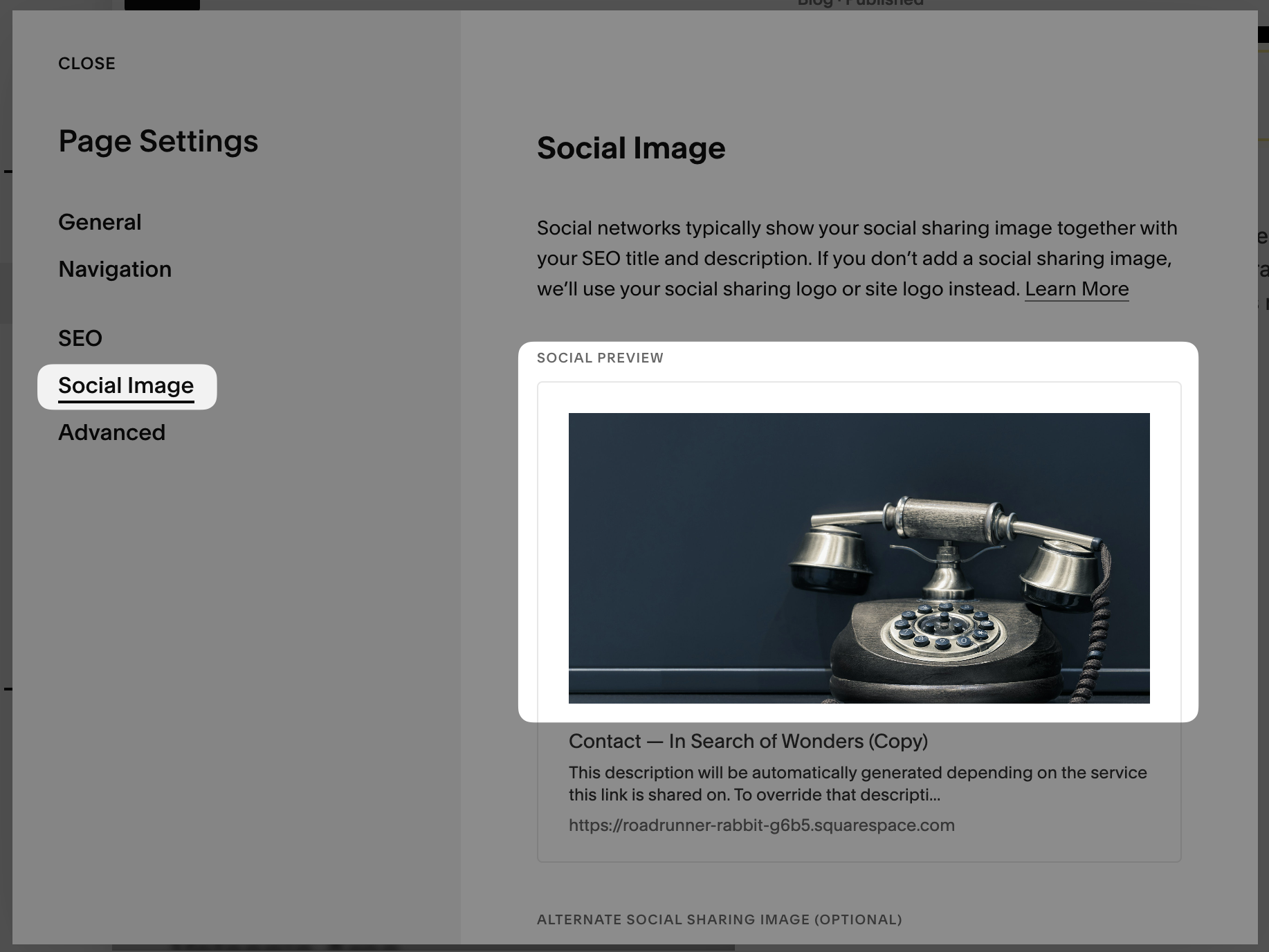
- For a regular page, Monocle uses the Social Image from Page Settings. If there is no Social Image, Monocle uses the first valid image on the page.
Summary
Monocle uses the first available image in this order:
- Product image for a product or Featured Image for a blog post
- Social Image
- First valid image on the page
- No image
Technical details
Monocle reads Open Graph metadata. For a page with an og:type of website or article, Monocle looks for the og:image property.
Further support
If the expected image does not appear, email support@monocle-search.com.