Customise Monocle Search
Hide pages from search results
Why hide pages from search?
Sometimes you want pages to stay on your site without showing up in search results. Common examples:
- landing pages built for campaigns or SEO
- overview pages that are less useful than the content they link to
- pages that should stay visible to search engines, but not to people already browsing your site
Squarespace search does not provide this control. Monocle search lenses do.
Set up exclusions
Use Include and exclude to control which content can appear in search results. These rules apply when no more specific search lens is selected.
- Open the Monocle interface.
- Select the site.
- Under Search behaviour, open Include and exclude.
Enter the paths to exclude in the main field.
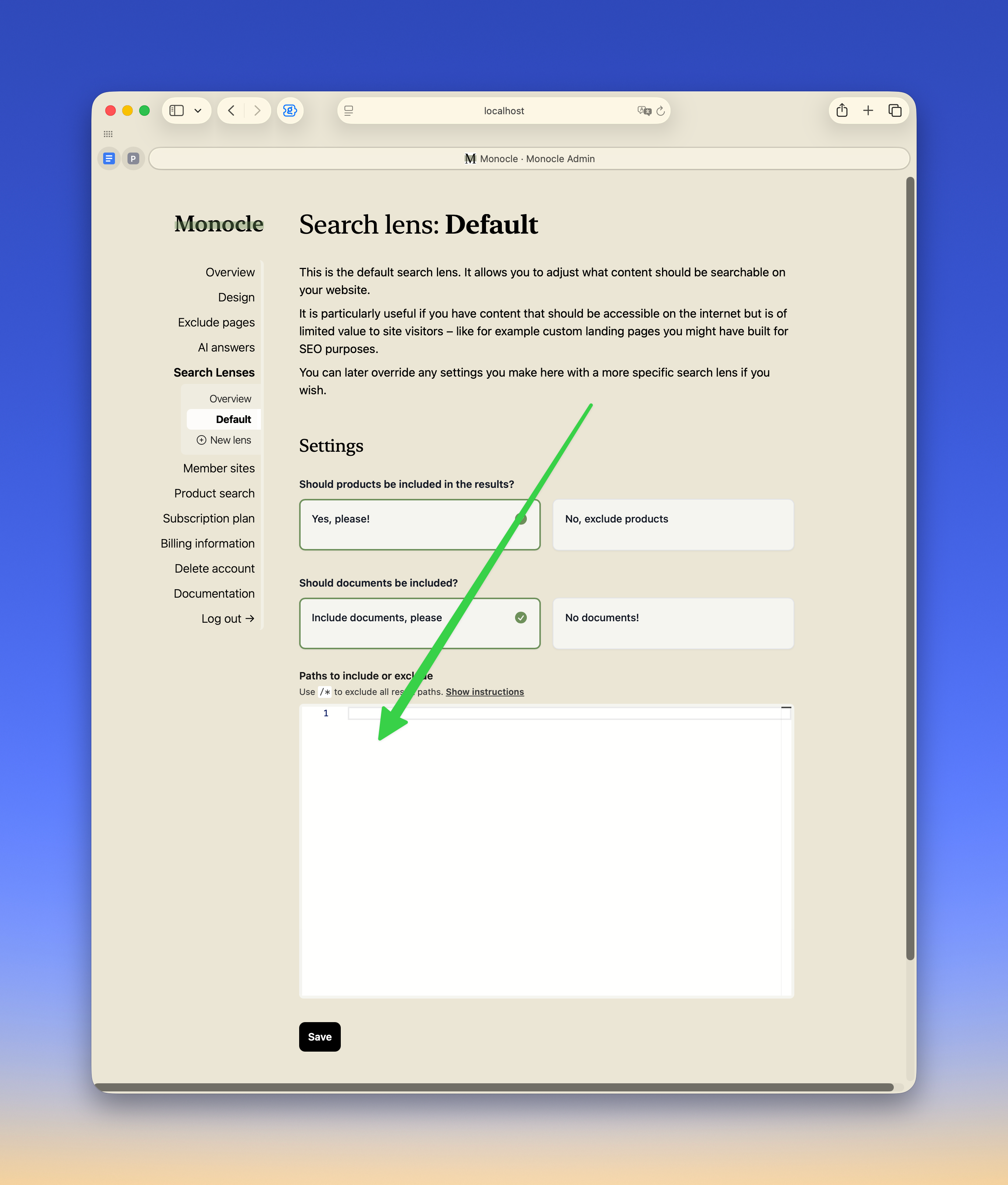
You can:
- exclude a single page with
/specific-page - exclude a whole section with a wildcard, for example
/blog* - add an exception with
!, for example!/blog/interesting-postto bring one page back after excluding/blog*
Select Save. Changes apply immediately.
If you want different parts of your site to have different search behaviour, read the Introduction to search lenses guide.